WUNDATRADE E03 Programmable Thermostat User Manuals

WUNDATRADE E03 Programmable Thermostat Over View To turn on/off: Press on/off buttonfully until it clicks to alternate between on/off Set day of the week and the time Press the clock button for 5 seconds. A number between 1 to 7 will start flashing indicating day of the week number. 1 = Monday 7 = Sunday. […]
WUNDATRADE E02 Touch Screen Programmable Thermostat User Manuals

WUNDATRADE E02 Touch Screen Programmable Thermostat Over View Set the time and day of the week Press the clock symbol for 5 seconds. The minutes will start flashing – use the up down symbols to change minutes as required and confirm your choice by pressing thesymbol The hour will now flash, repeat the same process […]
WUNDATRADE E04 Wireless Thermostat User Manuals
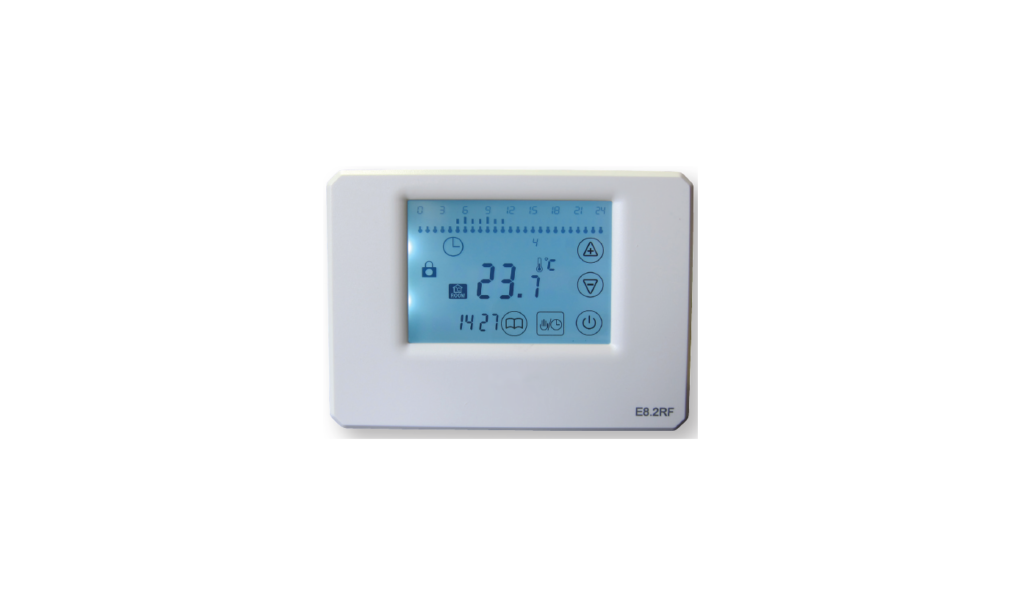
WUNDATRADE E04 Wireless Thermostat SCREEN DISPLAY SYMBOLS A 24hour events B Key Lock C Present Ambient Temperature D Temperature setting/Time (alternating) E Menu F Mode/Clock G Power On/Off H Low Battery I Automatic Mode J Manual Mode K Frost Protection Mode L Day Display M Increase Key N Decrease Key O Calling for Heat Symbol […]