
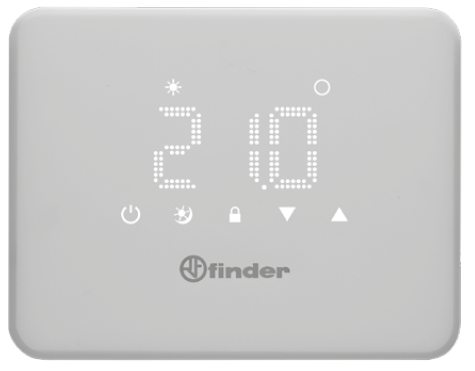
FINDER 1T.91 Digital Thermostat
DIMENSIONS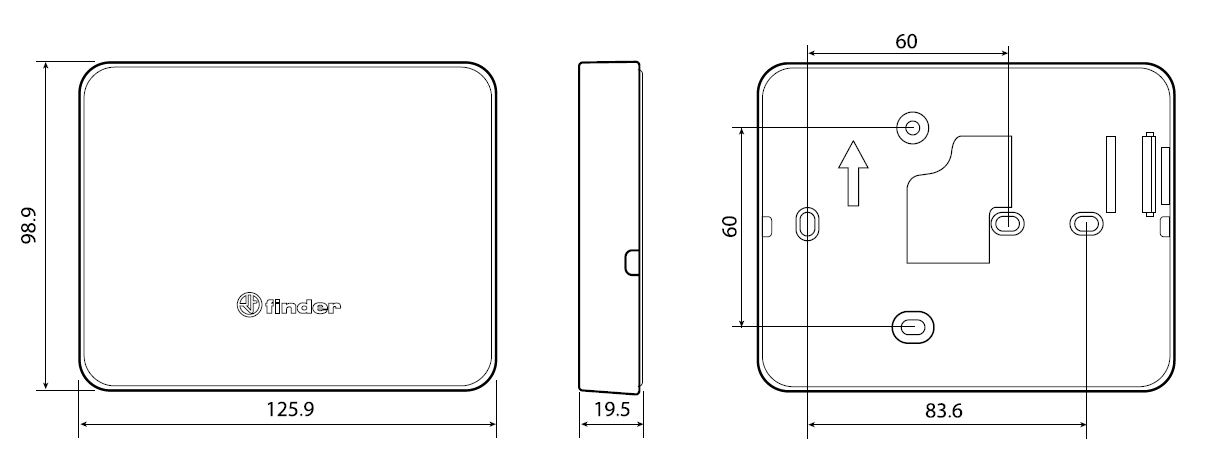
INSTALLATION
SAFETY REQUIREMENTS
- The installation and assembly of electrical equipment must be performed by expert personnel.
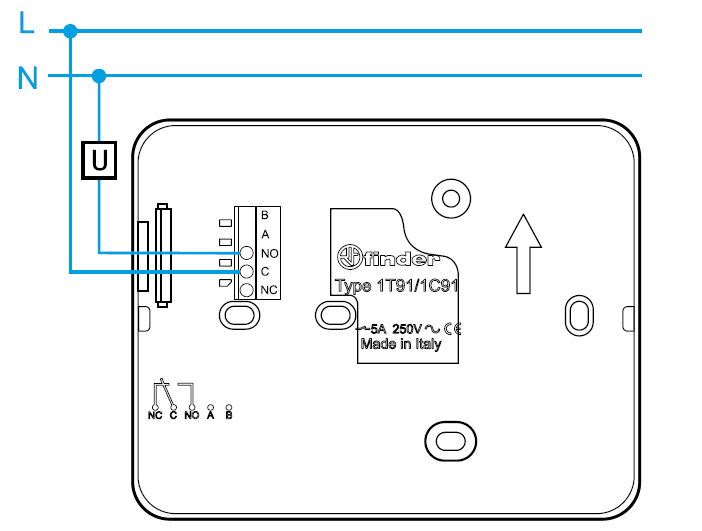
- Before connecting the thermostat make sure that the load (pumps, valves, boiler, etc …) are not powered-up and are within the rating of the contact.
POSITIONING
Install the thermostat away from heat sources (radiators, direct sunlight, kitchens) and doors/windows. Mount about 1.5 meters above floor level.
FIXING
Use screws 0 3.5 mm. Maximum head thickness 3 mm. When fastening, take care not to over tighten the screws to avoid distorting the base.
NOTE
Use only a damp cloth for cleaning.
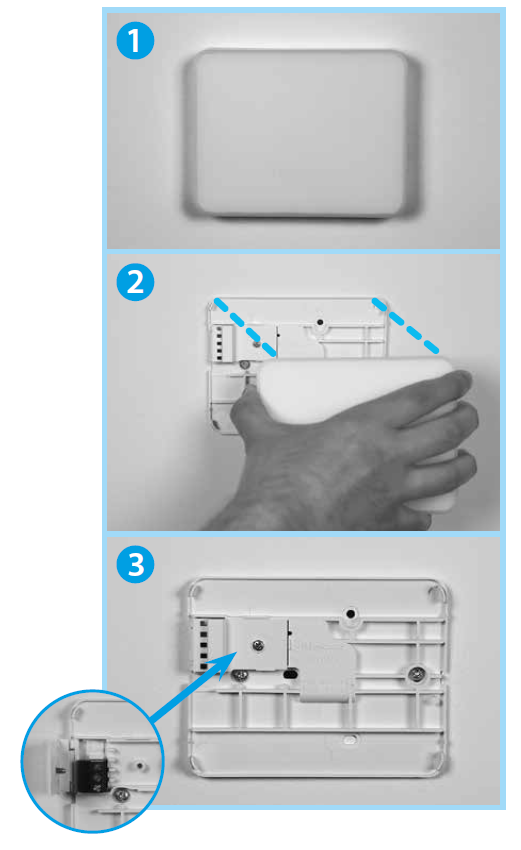
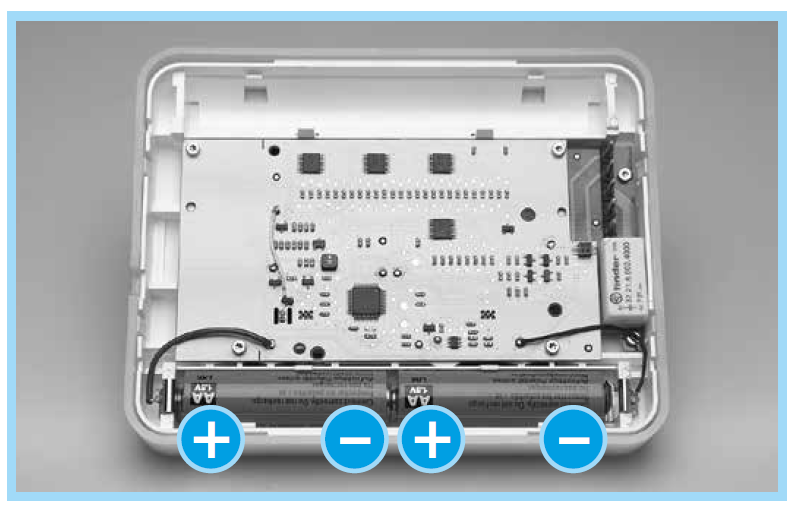
- Insert the batteries into the battery compartment, respecting the indicated polarities.
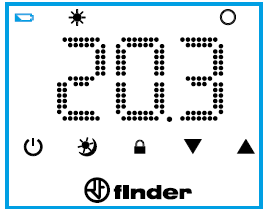
CAUTION Incorrect positioning of the batteries (polarity inversion) can damage the thermostat. - The thermostat is provided with 2 battery thresholds: the first threshold indicates that the batteries are low and must be replaced. In this condition, the display in the off state and a flashing battery icon will show every 5 sec.

- After touching the Finder button and turning on the display, the battery icon will continue to flash.
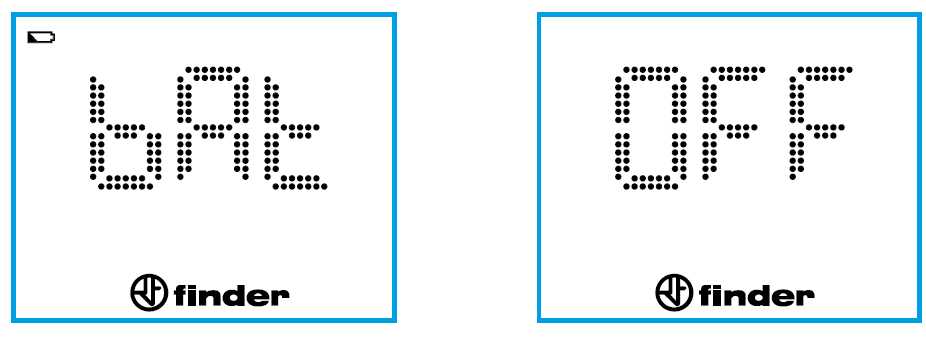
- At the second threshold, the thermostat turns off, the output relay will be set to OFF and it will no longer be possible to make any further adjustments.
In this condition, the flashing battery icon can be seen every 5 seconds (until the batteries completely run out).
- Touching the word “Finder” to turn on the thermostat results in BAT and OFF alternating on the display.
POWER ON THE DISPLAY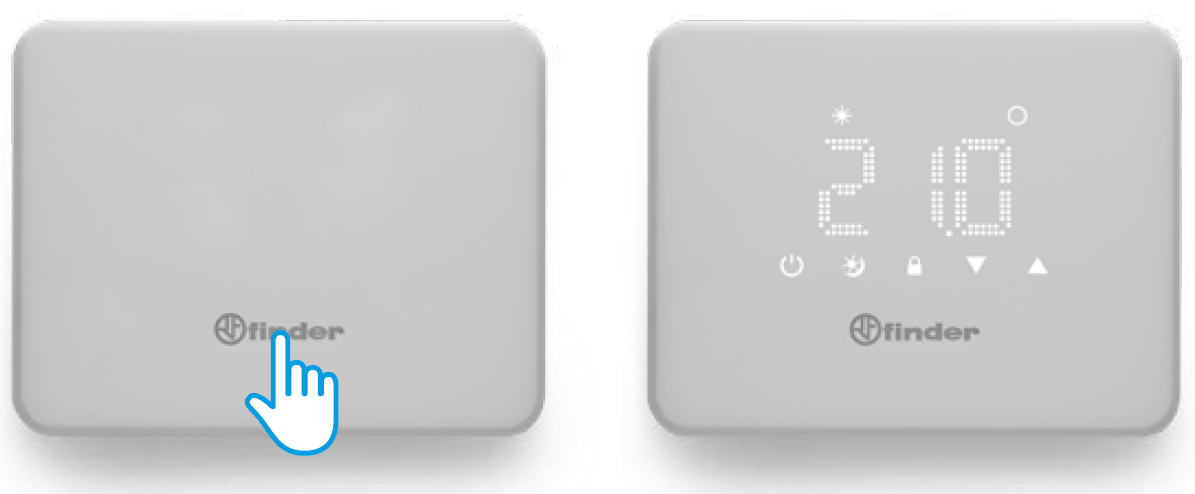
THERMOSTAT OFF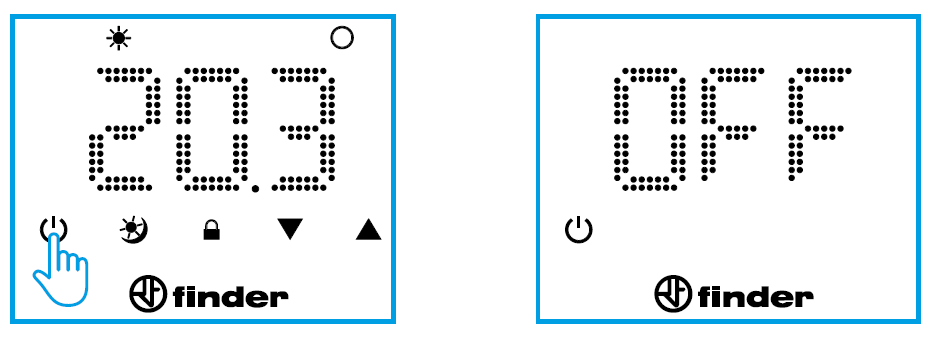
DESCRIPTION OF KEYS AND SYMBOLS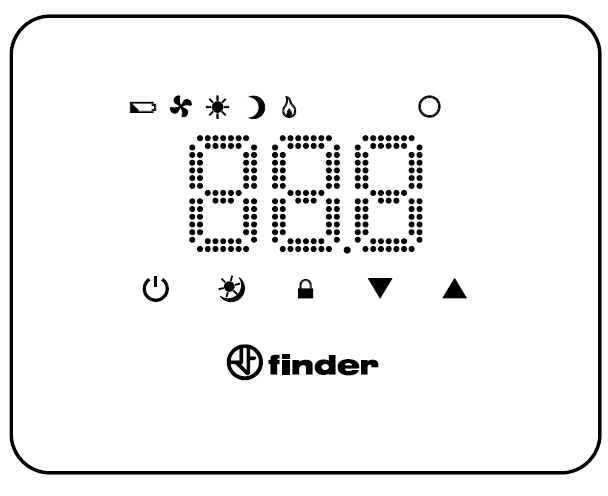
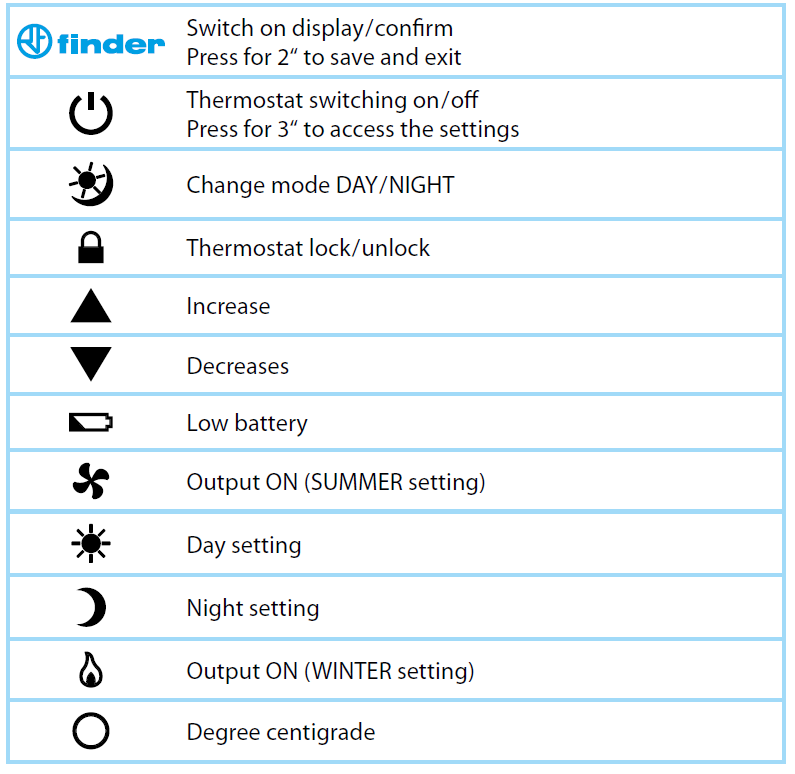
DAY OR NIGHT TEMPERATURE SETTING
Example: Daytime temperature setting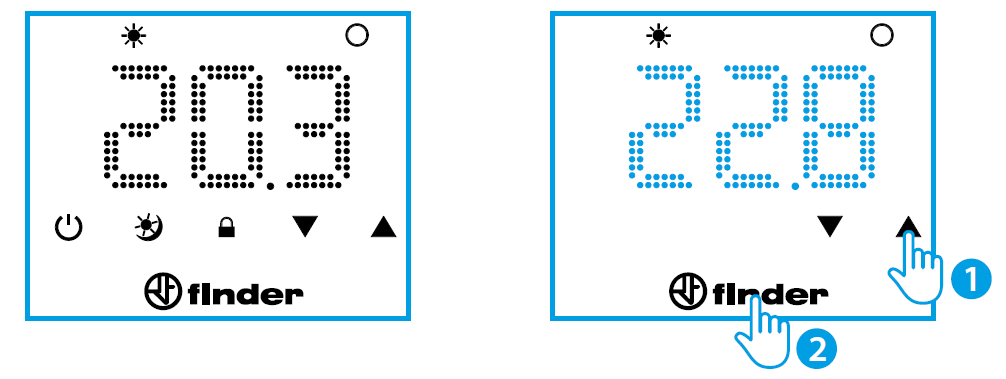
Example: Night temperature setting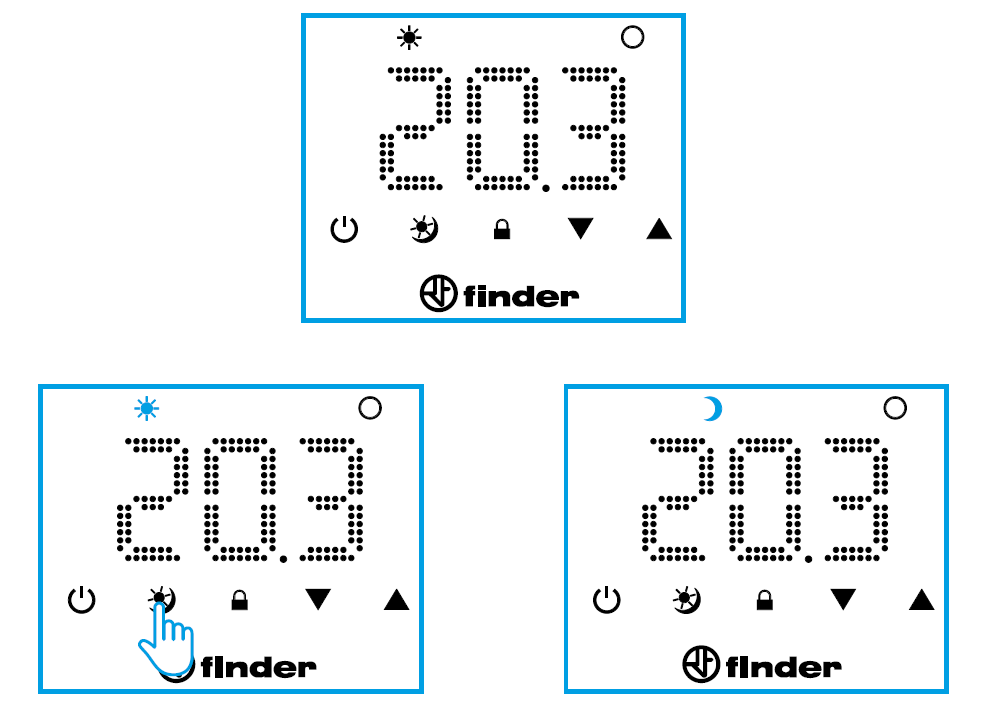
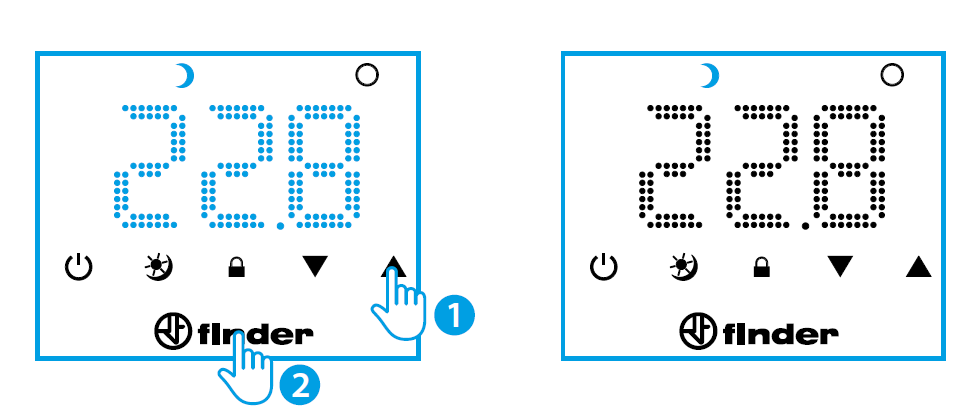
OFF STATE & FROST PROTECTION FUNCTION
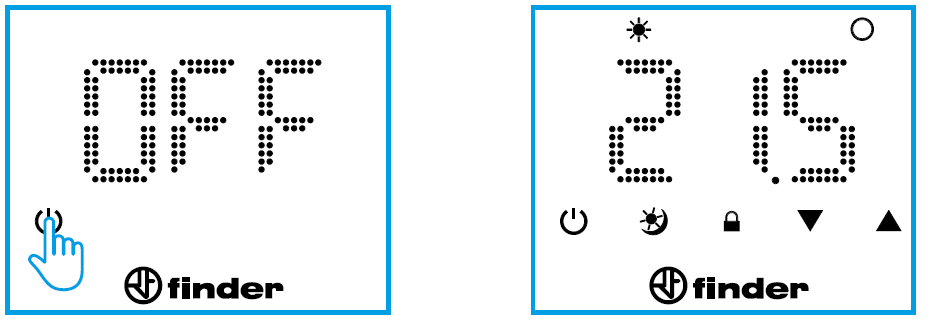
When the chronothermostat is off, the display will show the word OFF. But in this condition the frost protection function remains active. If the room temperature falls below the frost protection temperature, the flame icon will appear together with the word OFF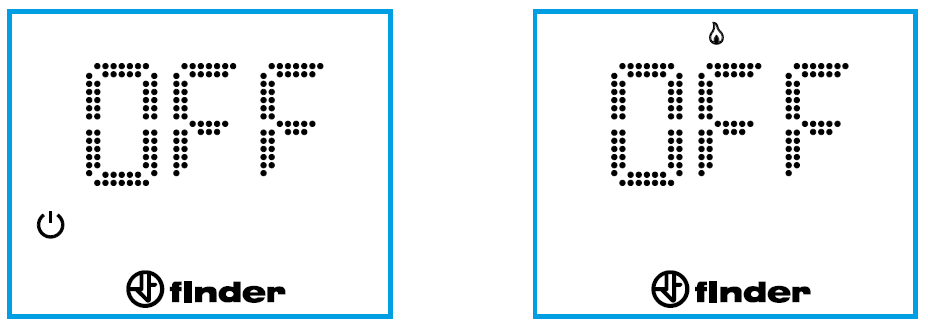
SUMMER / WINTER SETTING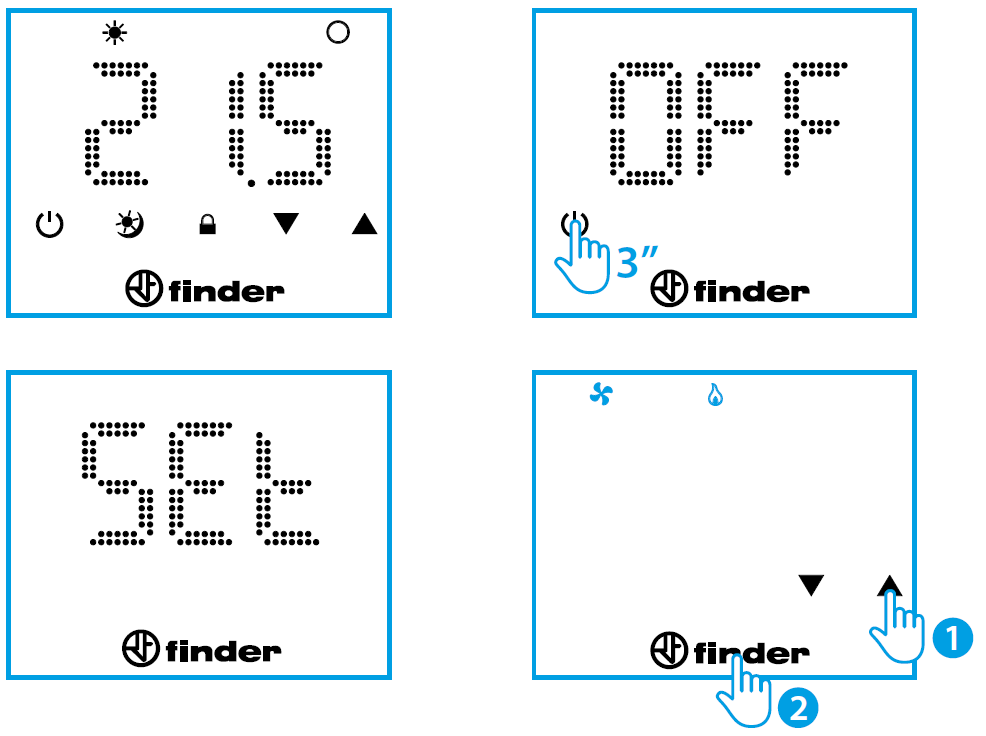
LOCK/UNLOCK THERMOSTAT
Thermostat lock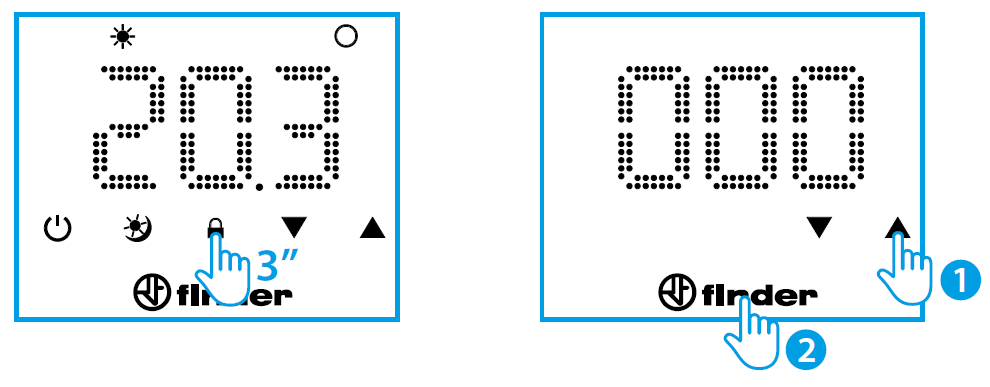 Thermostat unlock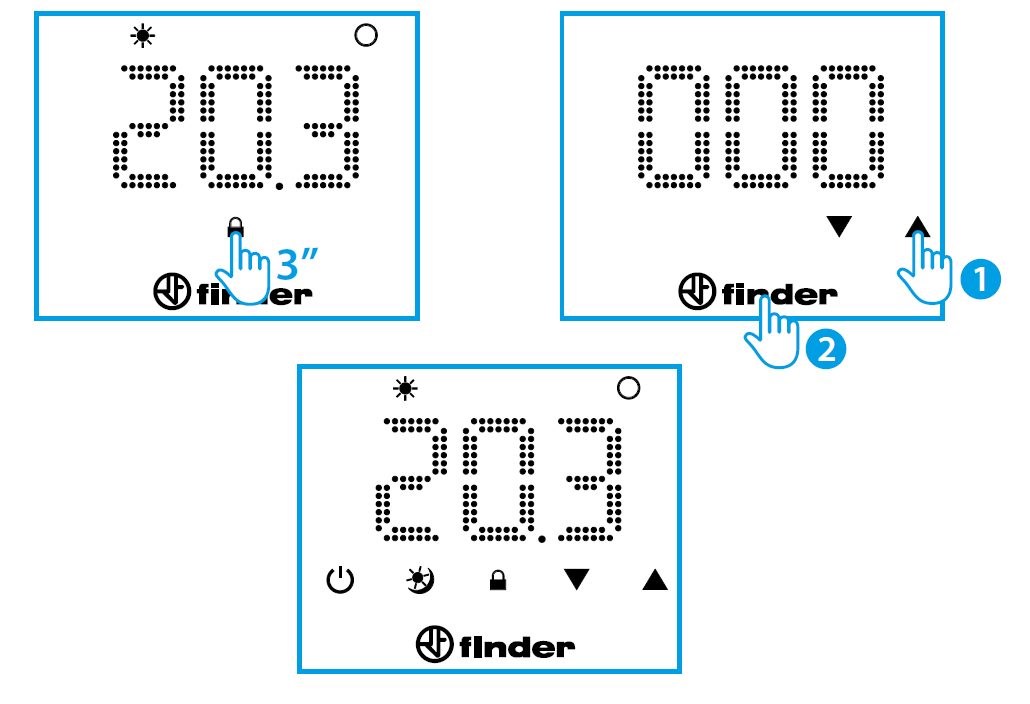
Caution
- By entering an incorrect PIN code, the thermostat will display Err for an instant and then re-present the locked display. After entering the wrong PIN 3 times, the thermostat will remain locked for 20 seconds with Err displayed (the display will turn off after 5 seconds to preserve the batteries).
- This procedure repeats for any further attempt to enter the wrong PIN.
NOTE
Removing the batteries will not cancel the lock. If you forget your PIN, use code 513 to unlock the product
TECHNICAL FEATURES
- Power supply: 2 alkaline batteries 1.5 V type AA (life approx. 2 years)
- Temperature adjustment WINTER/SUMMER – NIGHT/DAY: (+5…+37)°C
- Resolution: 0.1°C
- Accuracy: +/– 0.5°C at 20°C
- Differential: 0.2°C – Self-regulating
- Operating modes: Summer – Winter – Day – Night
- Degree of protection: IP20
- PIN lock: Yes, 3 digits
- Output: 5 A 250 V AC volt-free changeover contact
- Mounting: Wall.
| DEFAULT PARAMETERS | |
| Season set | Winter |
| Frost protection | Fixed at 5°C |
IB1T91 – 07/19 – Finder S.p.A. con unico socio – 10040 ALMESE (TO) – ITALY
Reference
Download Manual:
FINDER 1T.91 Digital Thermostat User Manual